Raspberry Pi, the leader among Single Board Computers (SBC), has been a popular choice for pocket sized computers since its introduction in 2012. There have been several iterations of Raspberry Pi, with the latest offering being the Raspberry Pi 4 Model B (at the time of publishing this article).
If you take a look at some of the features of Raspberry Pi 4 Model B, it includes four ARM Cortex-A72 Cores running at 1.5 GHz, up to 8GB of RAM, 500 MHz GPU, Gigabit Ethernet, Dual Band Wi-Fi, Bluetooth 5.0 to name a few.
Regardless of the type of Raspberry Pi you own, it may be Raspberry Pi 2 Model B or Raspberry Pi 3 Model B+ or the latest Raspberry Pi 4 Model B, you have to start somewhere to get familiar with Raspberry Pi, its capabilities and features.
If you are beginner and wondering how to start working with your new Raspberry Pi Board, then you came to the right place. I made a series of Raspberry Pi Projects for beginners, which will help you to explore the World of Raspberry Pi.
NOTE: Initial few tutorials will be your typical “How To” guides like headless setup, configuring Wi-Fi, assign Static IP etc. Later on, we will proceed with interfacing some IO Devices and Sensors. I will add more projects and tutorials in the future.
Raspberry Pi – Basic Setup without Monitor and Keyboard (Headless Setup)
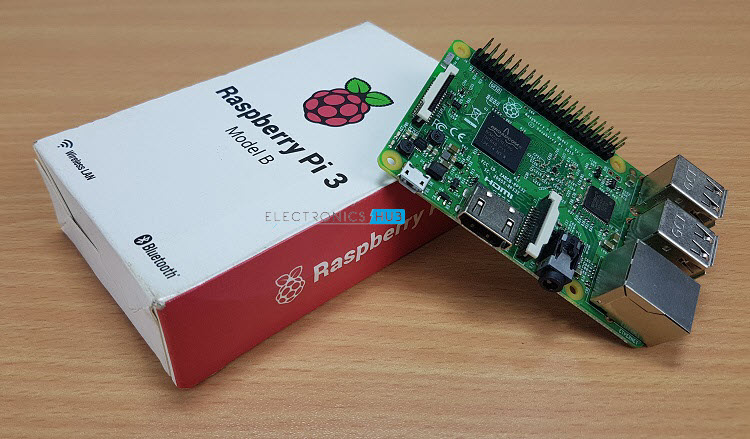
Description: This is the first Raspberry Pi Project / tutorial you want to start with. It is like a Getting Started with Raspberry Pi tutorial and is called Headless Setup of Raspberry Pi. In this tutorial, you will learn how to setup your new Raspberry Pi Computer without using a Monitor, Mouse or Keyboard.
How to setup Wi-Fi on Raspberry Pi 3?
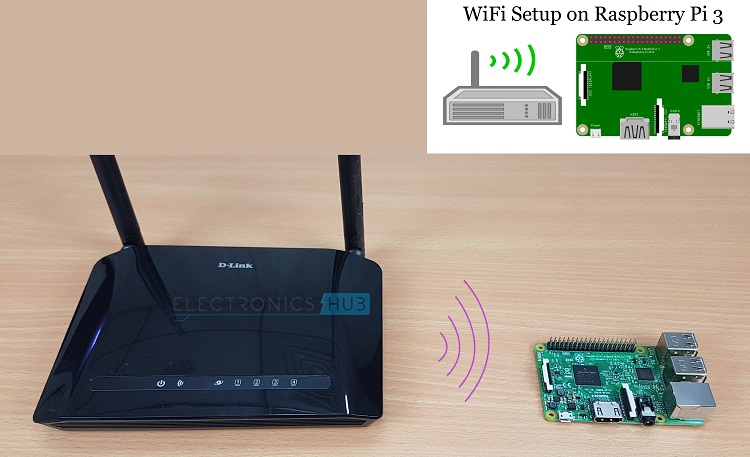
Description: After setting up your Raspberry Pi, the next important project is to setup the Wi-Fi. This tutorial is applicable for Raspberry Pi 3 and newer models, as they come with on-board Wi-Fi and Bluetooth. This tutorial will explain both the command line setup as well as GUI setup of Wi-Fi.
How to setup Wi-Fi on Raspberry Pi 2 using USB Dongle?
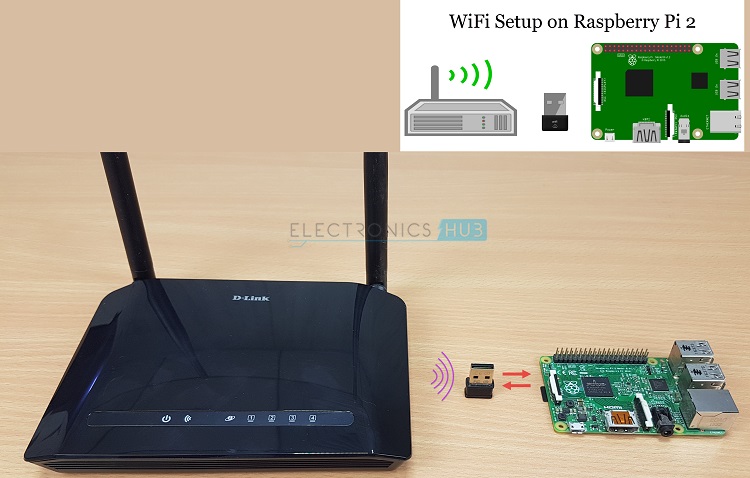
Description: Do you have an older Raspberry Pi like Raspberry Pi 2 Model B? How will you connect it to Wi-Fi network as it doesn’t have on-board Wi-Fi? Do not worry. This tutorial explains the necessary steps to follow in order to setup Wi-Fi on Raspberry Pi 2 using an USB Wi-Fi Adapter (Dongle).
How to Setup Static IP Address on Raspberry Pi?
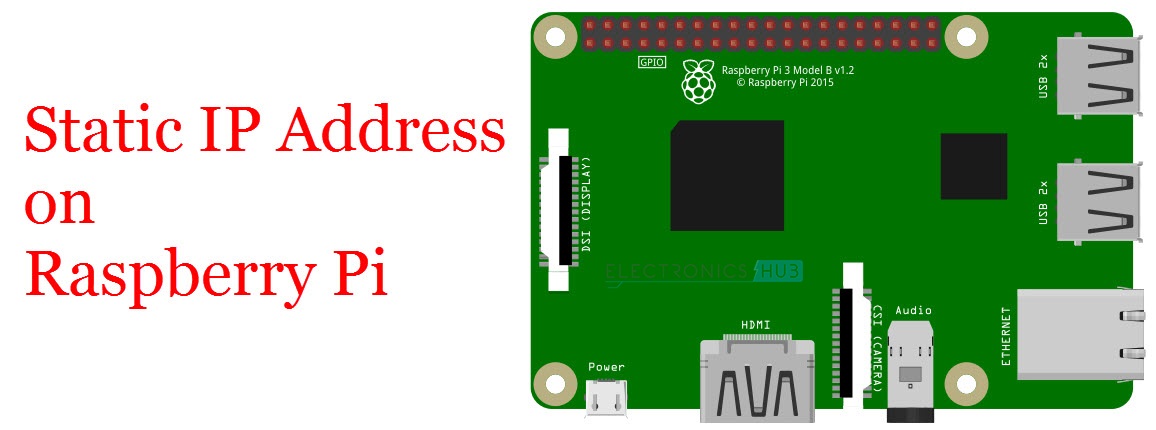
Description: If you worked with Headless setup of Raspberry Pi, then you will understand the importance of a static IP Address for Raspberry Pi. If you don’t have a static IP Address setup, every time you connect to your Raspberry Pi over SSH, the router will assign a new IP Address. This tutorial is very useful if you want to setup a static IP Address to Raspberry Pi.
How to Setup Touchscreen LCD on Raspberry Pi?
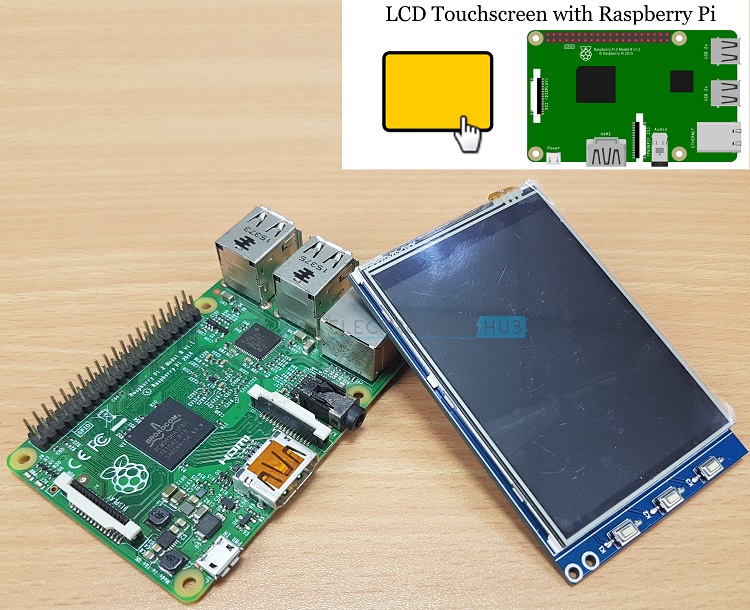
Description: Adding small Touchscreen Display to your Raspberry Pi allows you to make several interesting projects like Weather Station, Security System, Camera Interface and even some portable projects. This tutorial will show you how to setup a 3.2” LCD Display with Touchscreen Capabilities with Raspberry Pi.
First Python Program on the Raspberry Pi
Description: The main reason behind developing Raspberry Pi in the first place is to encourage students to learn programming. Python is a popular choice of programming with Raspberry Pi and there are many libraries available that are customized to Raspberry Pi Peripherals. This tutorial will help you with writing your first Python Program on Raspberry Pi.
How to Blink an LED using Raspberry Pi and Python?

Description: Blinking an LED using a Microcontroller is equivalent to printing Hello, World! In any programming language. It is in fact one of the first projects to be implemented after setting up the device, Raspberry Pi in this case. Use this tutorial to learn about Blinking an LED connected to Raspberry Pi using Python Program.
Interfacing 16×2 LCD with Raspberry Pi
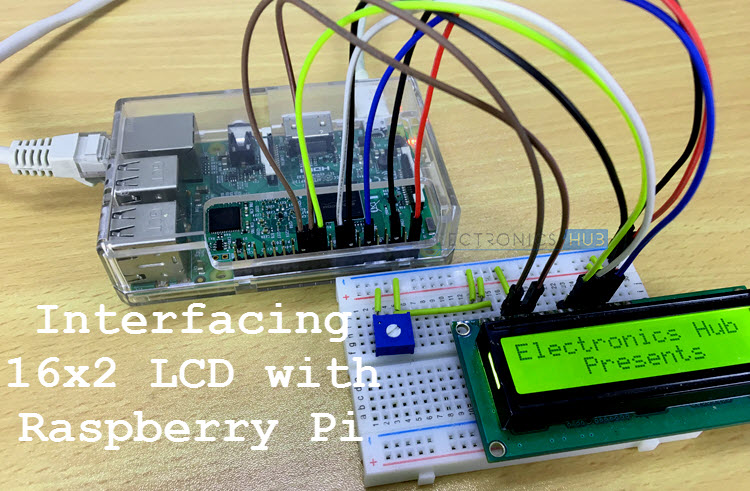
Description: The 16×2 Character LCD Display is a simple yet very useful display devices available today. You can display up to 32 alpha-numeric characters and even some small custom characters using this module. In this tutorial, you will learn how to connect a 16×2 LCD with Raspberry Pi and how to display some information using simple Python program.
Controlling a DC Motor with Raspberry Pi
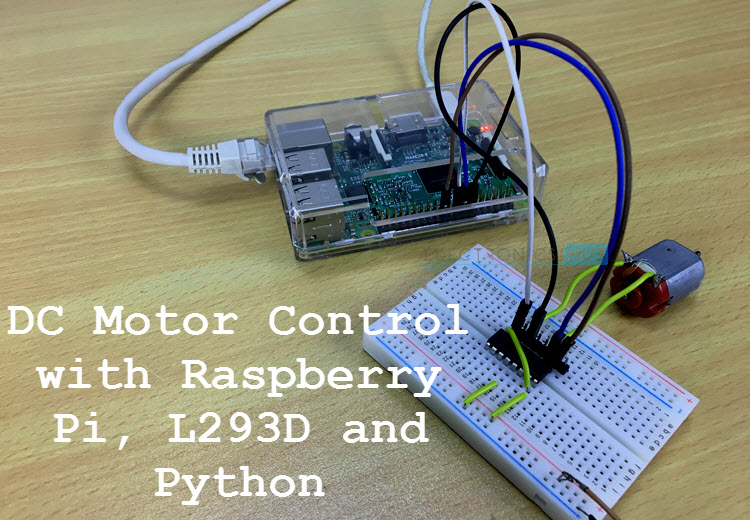
Description: Small DC Motors are very useful if you want to build some robotic projects. They are also used in RC cars, fans, robots and other similar projects. So, if you are interested in designing a robot using Raspberry Pi, then you have to understand how to control a DC Motor with Raspberry Pi. This tutorial uses the popular L293D Motor Driver IC but you can easily upgrade to more powerful L298N or other Motor Drivers.
Raspberry Pi DS18B20 Tutorial
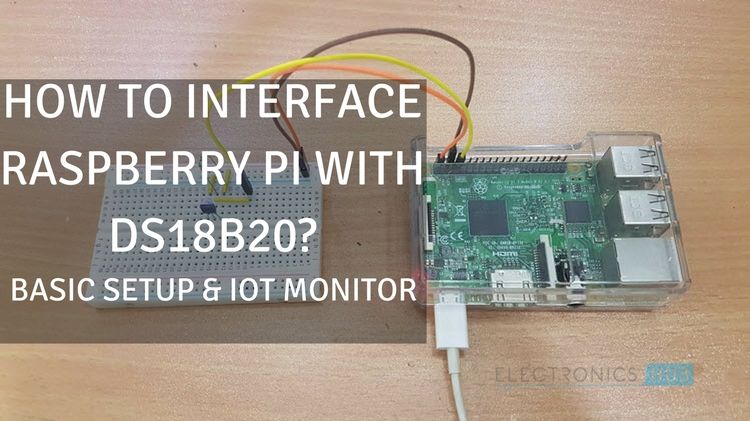
Description: One of the simplest IoT projects you can implement is remote temperature monitoring system using Raspberry Pi. To do this, the DS18B20 Temperature Sensor is a perfect choice. This is a two-part tutorial where you will learn how to interface DS18B20 with Raspberry Pi and also how to implement a web-based temperature monitoring system.
How to Interface a Push Button with Raspberry Pi?

Description: If an LED allows you configure the GPIO of Raspberry Pi as an Output Pin, then a Push Button allows you configure it as an Input Pin. You will learn how to connect a simple push button to Raspberry Pi, read the input GPIO pin using a simple Python program.
Raspberry Pi L298N Interface Tutorial
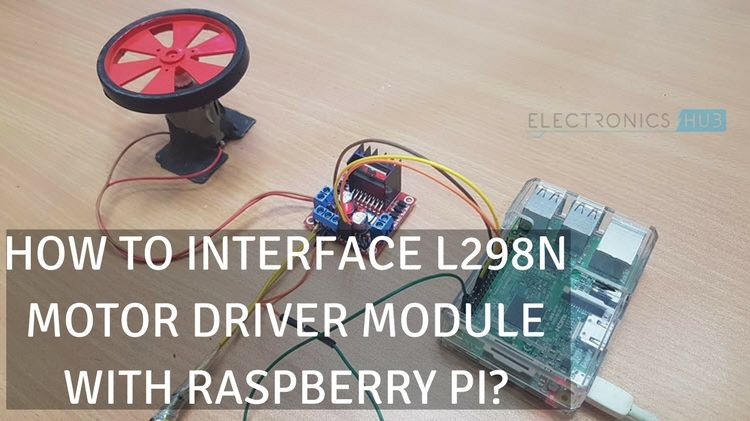
Description: The L298N IC is a power motor driver IC with drive currents up to 2.5A per channel. It can control two motors at a time with its dual full bridge drivers. In this tutorial, you will learn how to interface L298N Module with Raspberry Pi and write a simple Python script to manually control the motor.
Raspberry Pi Color Sensor Tutorial (TCS3200)
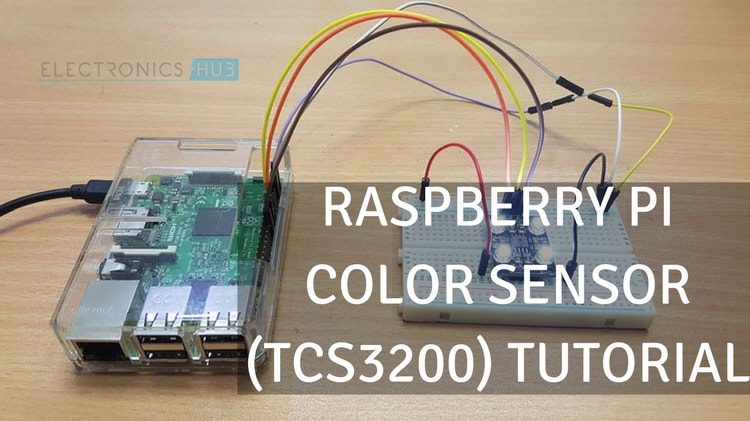
Description: If you want to implement a Color Sensing Application like Object Color Verification, Color based Product Sorting etc., using your Raspberry Pi, then the TCS3200 Color Sensor Module is a good choice. In this tutorial, you will learn how to interface TC3200 Color Sensor with Raspberry Pi and implement simple color detection application.
Raspberry Pi Servo Motor Interface
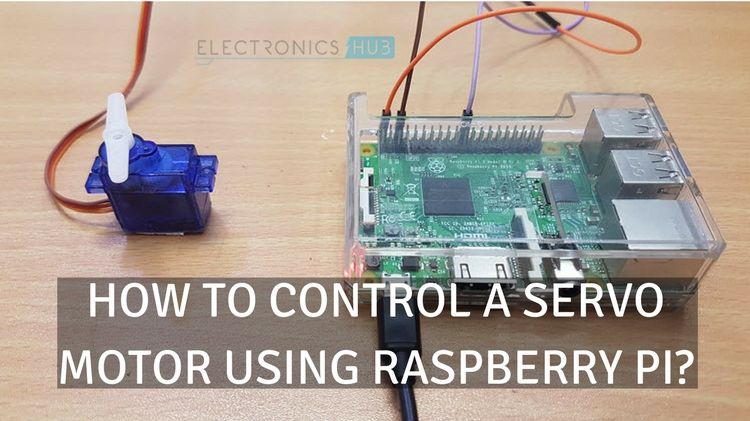
Description: Servo Motors are crucial in some robotic applications. One of the best examples is the Robotic Arm application. It uses a lot of servo motors to precisely move the Robotic Arm. But to start with Servo motors and Raspberry Pi, this tutorial will be very helpful.
Raspberry Pi Stepper Motor Control using L298N
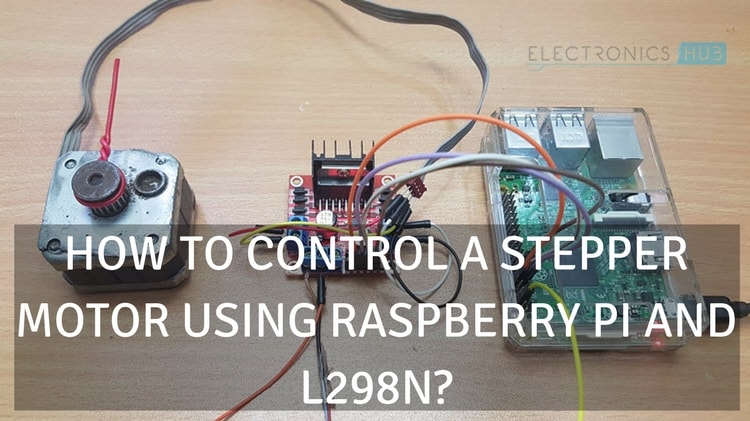
Description: Another L298N Motor Driver Application is to drive Stepper Motors, especially Bipolar Stepper Motors. Stepper Motors are very useful in precise control of the shaft that too without any feedback. In this tutorial you will learn how to control a stepper motor using Raspberry Pi, L298N and Python.
Raspberry Pi RFID Reader Interface
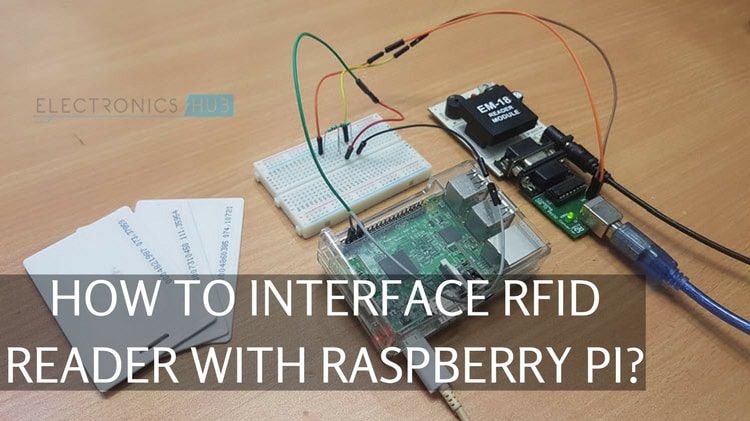
Description: If you have an RFID reader like EM-18 and you want to interface it with Raspberry Pi, then this tutorial is just for you. Even though the EM-18 RFID Module is some what old, you can still understand its working, setting up with Raspberry Pi and reading some RFID Tags and Cards.
Raspberry Pi DHT11 Humidity and Temperature Sensor Interface
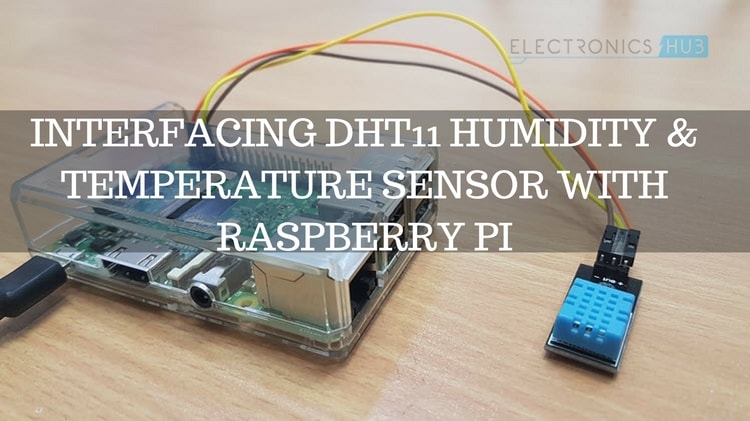
Description: Weather Station is one of the popular projects in the DIY Community. It is a simple application which monitors temperature, humidity and pressure of an area. The DHT11 and DHT22 are two simple Module which can measure Humidity and Temperature. Use this tutorial as a learning guide to interface DHT11 Sensor with Raspberry Pi.
Raspberry Pi Ultrasonic Sensor HC-SR04 Interface Tutorial

Description: The HC-SR04 Ultrasonic Sensor is another popular device. It consists of two Ultrasonic transducers and is useful in measuring distance, proximity sensor, obstacle avoiding and other similar applications. In this tutorial, you will learn how to interface HC-SR04 Ultrasonic Sensor with Raspberry Pi.
PIR Motion Sensor using Raspberry Pi
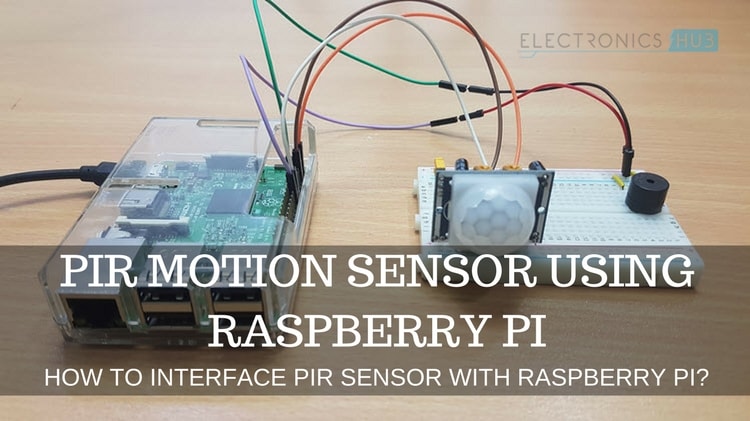
Description: In this project, you will learn how to interface a PIR Motion Sensor with Raspberry Pi. A PIR Motion Sensor detects infrared emotions from objects and is useful in detecting motion. You can implement Burglar Systems, Anti-Theft Alarms, Motion Activated Switch or other similar applications.
Interfacing IR Sensor with Raspberry Pi
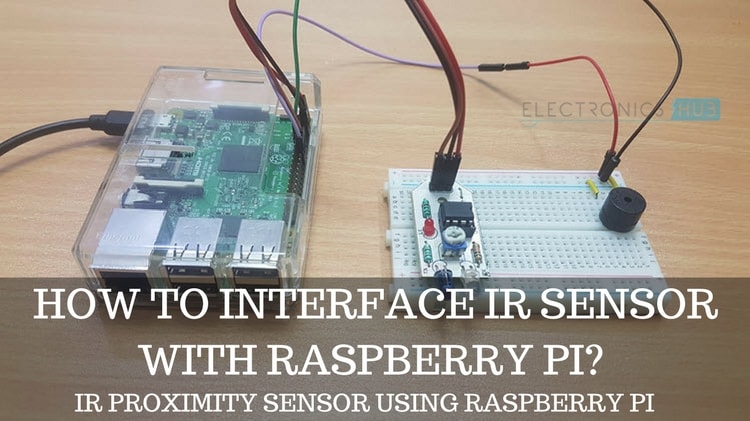
Description: In IR Sensor consists of two things: An Infrared Transmitter (IR LED) and an Infrared Receiver (Photo Diode). These two are place side-by-side so that when an object is present in front of the sensor, it can detect. In this tutorial, learn how to interface a simple IR Sensor Module with Raspberry Pi to implement a proximity sensor application.
How to Control a Relay using Raspberry Pi?

Description: Relays are one of the simplest yet powerful devices which can be interface to Microcontrollers. Using relays, you can control AC Mains Power devices with the help of small devices like Arduino or Raspberry Pi. If you are interested in a Home Automation type application, then take a look at this tutorial and understand how to control a Relay using Raspberry Pi.